Wi-Fi Network Service Guide
Internet access is complimentary.
- Wi-Fi Name
IMPERIAL HOTEL
- PASSWORD
imperial
ID and Password are provided upon check-in.
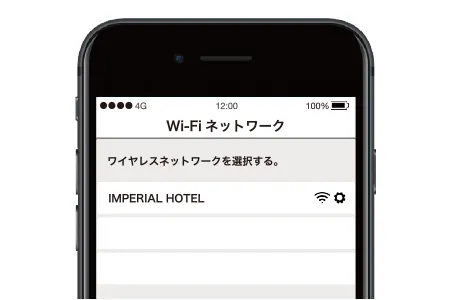
STEP 1
Select “IMPERIAL HOTEL” in the “Wi-Fi Network”.
STEP 2
Enter “ imperial ” in the blank on the next screen.
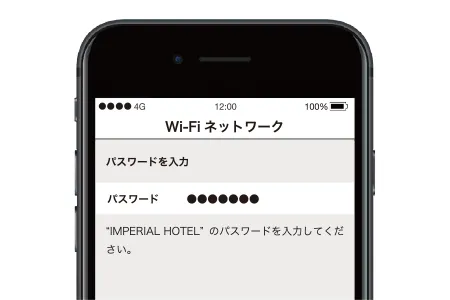
STEP 3
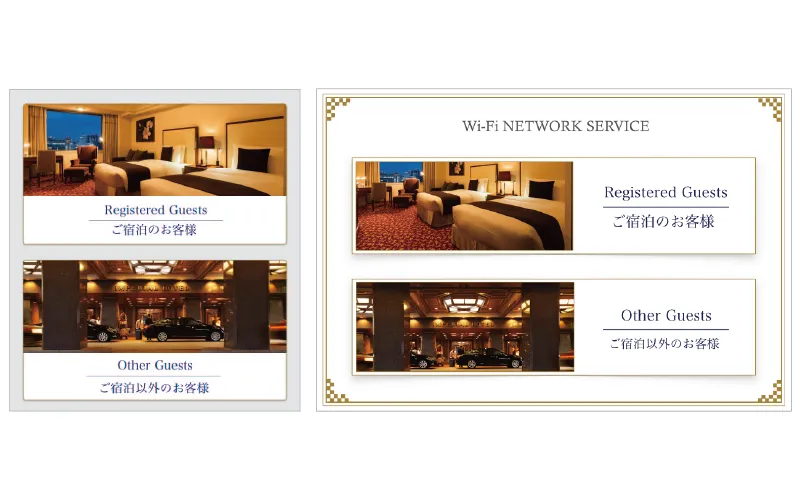
Connect to the Internet (Please Open your web browser, i.e. Safari or Google Chrome). When you see the screen as shown here, select “ Registered Guests ”.
STEP 4
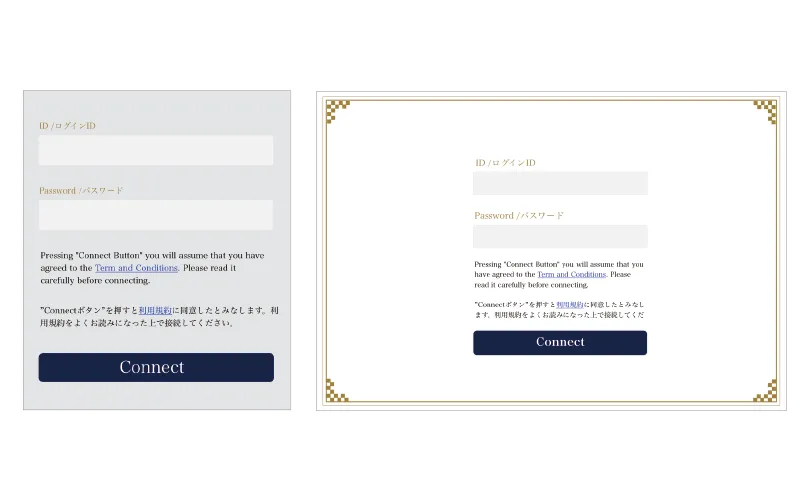
Enter your ID and Password. By pressing “ Connect ” you confirm that you have read and agreed to the Term and Conditions. Therefore, please read them carefully before you connect.